
Introduction to DuckDB and Python
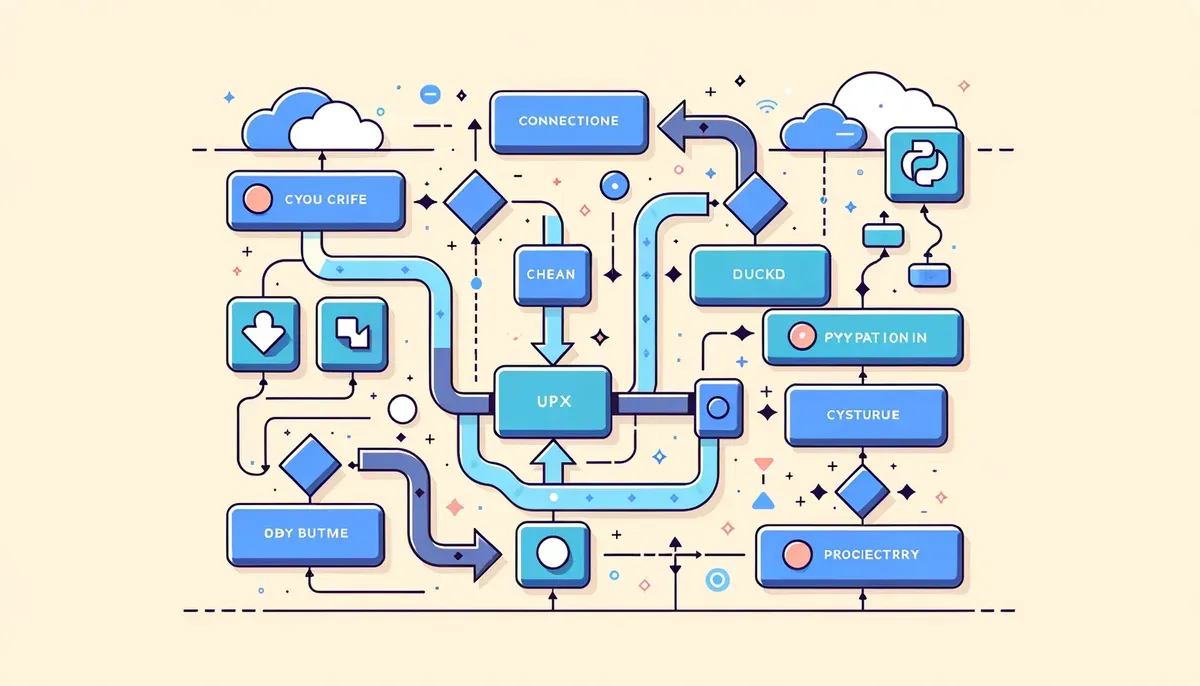
As businesses increasingly rely on data-driven decisions, the demand for efficient data analysis tools has never been more critical. The DuckDB-Python analytics pipeline offers a robust solution for data analysts and business intelligence professionals eager to streamline their data processing workflows. DuckDB is designed for fast analytics on large datasets, and when integrated with Python, it empowers users with powerful data manipulation and analysis capabilities. This guide walks you through the essential steps to build an analytics pipeline using DuckDB and Python, highlighting practical use cases along the way.
Step-by-Step Implementation Guide
To get started with your DuckDB-Python analytics pipeline, follow these steps:
- Installation: Begin by installing DuckDB in your Python environment. You can do this using pip:
``bash pip install duckdb ``
- Connecting to DuckDB: Import DuckDB in your script and establish a connection:
``python import duckdb conn = duckdb.connect(database=':memory:') ``
- Loading Data: DuckDB supports various data formats, including Parquet, CSV, and SQLite. For example, to load a Parquet file:
``python df = conn.execute("SELECT * FROM read_parquet('datafile.parquet')").fetchdf() ``
- Querying Data: Use SQL to query your DataFrame. DuckDB allows you to write SQL directly on Pandas and Polars DataFrames:
``python result = conn.execute("SELECT * FROM df WHERE column_name > 100").fetchdf() ``
- User-Defined Functions (UDFs): Implement custom UDFs for specific analysis needs:
``python conn.create_function('multiply', lambda x, y: x * y) ``
- Performance Profiling: Utilize DuckDB’s built-in performance profiling tools to optimize your queries:
``python conn.execute("EXPLAIN SELECT * FROM df").fetchall() ``
By following these steps, you can establish a comprehensive DuckDB-Python analytics pipeline tailored to your data analysis needs.
Optimizing Performance in Analytics Workflows
Efficiency is essential in analytics workflows, especially when managing large datasets. DuckDB is optimized for analytical queries, capable of significantly reducing processing time. Here are some strategies to enhance performance:
- Vectorized Execution: DuckDB employs vectorized execution, allowing it to process data in batches rather than row-by-row, which speeds up query performance.
- In-Memory Processing: By leveraging DuckDB's in-memory capabilities, you can accelerate data access and manipulation.
- Partitioning: For large datasets, consider partitioning your data to improve query efficiency.
Implementing these performance strategies will maximize the capabilities of your DuckDB-Python analytics pipeline.
Integrating Data Formats with DuckDB
One of DuckDB's standout features is its ability to seamlessly integrate multiple data formats. This flexibility is invaluable for businesses handling diverse datasets. DuckDB supports:
- Parquet: Ideal for columnar storage and efficient data retrieval.
- CSV: A straightforward format for quick data ingestion.
- SQLite: Allows for easy integration with existing databases.
DuckDB can process these formats efficiently, enabling you to combine and analyze data from different sources without significant overhead. This capability is particularly useful for data analysts and business intelligence professionals looking to unify disparate data sources.
Practical Use Cases for Data Analysis
DuckDB's versatile features lend themselves to various practical applications in data analysis. Here are a few noteworthy use cases:
- Real-Time Analytics: With DuckDB's fast query execution, businesses can perform real-time analytics on streaming data, improving decision-making speed.
- Data Warehousing: DuckDB can serve as an effective data warehousing solution, integrating data from multiple sources for comprehensive analysis.
- Data Science Workflows: Data scientists can leverage DuckDB to preprocess data and conduct exploratory data analysis (EDA) efficiently, benefiting from its compatibility with Pandas and Polars.
These use cases illustrate how DuckDB can enhance your analytics capabilities, making it a valuable tool for any data-driven organization.
Further Resources
Building a DuckDB-Python analytics pipeline can significantly streamline your data analysis processes, providing powerful tools for querying, performance profiling, and integrating diverse data formats. By following the step-by-step implementation guide and leveraging DuckDB’s performance optimization strategies, your organization can enhance its analytics workflows and make more informed decisions.
For additional resources, consider exploring the comprehensive implementation guide that offers in-depth insights and examples.
If you’re a data analyst, data scientist, or business intelligence professional, investing time in building a DuckDB-Python analytics pipeline is a worthwhile endeavor. It will save you time and resources while empowering your organization to make data-driven decisions with confidence.
Why This Matters
Mastering AI-powered workflows gives you a competitive edge in today's fast-paced environment. These insights can help you work smarter, not harder.