
Introduction to Google AI Skills in Chrome
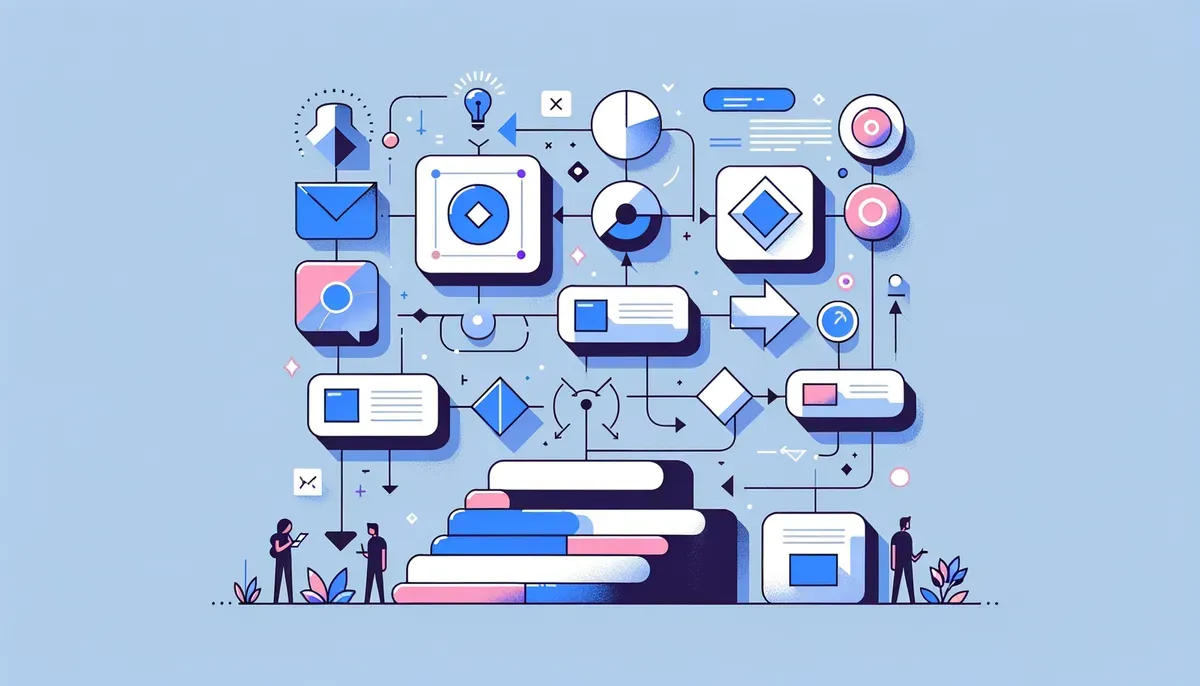
As businesses increasingly rely on digital workflows, the efficiency of tools used to manage these processes becomes paramount. Google has recently introduced AI Skills to Chrome, a feature designed to enhance productivity by allowing users to save AI prompts and workflows across various websites. This integration streamlines repetitive tasks while leveraging the advanced capabilities of Gemini AI, making it an essential tool for web developers, digital marketers, and productivity enthusiasts alike.
With the growing demand for effective AI productivity tools for Chrome, understanding how to use Google AI Skills can significantly impact your business operations. Let’s explore the functionalities, benefits, and practical applications of this feature.
How to Save AI Prompts in Chrome
Saving AI prompts in Chrome is a straightforward process, thanks to the intuitive design of Google AI Skills. Once you come across an AI prompt that you find useful, you can easily save it within the Chrome browser. This capability allows you to access and reuse these prompts effortlessly, no matter which website you are visiting.
To save AI prompts:
- Access the AI Skills feature: Open Chrome and navigate to the AI section found in the settings or toolbar.
- Create a new prompt: Enter your desired prompt and customize it as needed.
- Save the prompt: Click on the save option, and your prompt will be stored for future use.
Utilizing this feature enables you to implement effective AI responses tailored to your needs, enhancing your workflow across different platforms.
Enhancing Productivity with AI Workflows
The ability to save and reuse AI prompts is a significant boost for productivity. Businesses can create custom workflows that integrate AI responses into daily tasks, thereby reducing the time spent on repetitive actions. For instance, a digital marketer can design a workflow that generates tailored social media posts using saved AI prompts, leading to more efficient content creation.
Benefits of AI Workflows:
- Time-saving: Automate repetitive tasks with saved prompts.
- Consistency: Maintain a uniform tone and messaging across various platforms.
- Scalability: Easily adapt workflows as your business grows.
Incorporating Google AI Skills into your daily operations can lead to significant increases in efficiency, allowing teams to concentrate on more strategic initiatives.
Integrating Gemini AI with Chrome Tasks
The integration of Gemini AI within Chrome enhances the capabilities of AI Skills. This advanced AI technology analyzes context and provides tailored suggestions based on user behavior. By leveraging Gemini, users can further enhance their workflows, making their interactions with the browser more intuitive and productive.
For example, a web developer might use Gemini to generate code snippets based on specific project requirements. This integration not only saves time but also fosters creativity by providing unique solutions that may not have been considered otherwise.
Key Features of Gemini Integration:
- Contextual suggestions: Offers tailored AI-generated insights based on previous interactions.
- Adaptive learning: Learns from user behavior to improve future suggestions.
- Versatile application: Can be employed across various tasks, from coding to content creation.
Tips for Reusing AI Prompts Across Websites
To maximize the benefits of saved AI prompts, consider these tips for effective reuse across different websites:
- Categorize prompts: Organize your prompts into categories based on their function (e.g., marketing, customer service, development). This organization makes it easier to retrieve them when needed.
- Regularly update: Review and refine your saved prompts to ensure they remain relevant and effective as your business evolves.
- Share with team members: Encourage collaboration by sharing saved prompts with your team, fostering a culture of efficiency and innovation.
By implementing these strategies, you can ensure that your use of Google AI Skills remains effective and aligned with your business objectives.
Maximizing Chrome's AI Features
Incorporating Google AI Skills for Chrome into your workflow can significantly enhance productivity and streamline your operations. By saving AI prompts and integrating Gemini AI features, businesses can automate repetitive tasks and focus on more critical aspects of their work.
For business owners, digital marketers, and productivity enthusiasts, investing time into learning how to use Google AI Skills effectively is a step towards achieving greater efficiency. As AI tools continue to evolve, staying ahead with features like these can offer a competitive advantage.
Takeaway
To fully leverage the capabilities of Google AI Skills, start by experimenting with saving prompts and integrating them into your daily tasks. Investing time in understanding these features will not only save you time but also enhance your overall productivity. Now is the time to explore how this tool can transform your workflows and elevate your business to the next level.
Why This Matters
This development signals a broader shift in the AI industry that could reshape how businesses and consumers interact with technology. Stay informed to understand how these changes might affect your work or interests.