
What Are Google AI Skills?
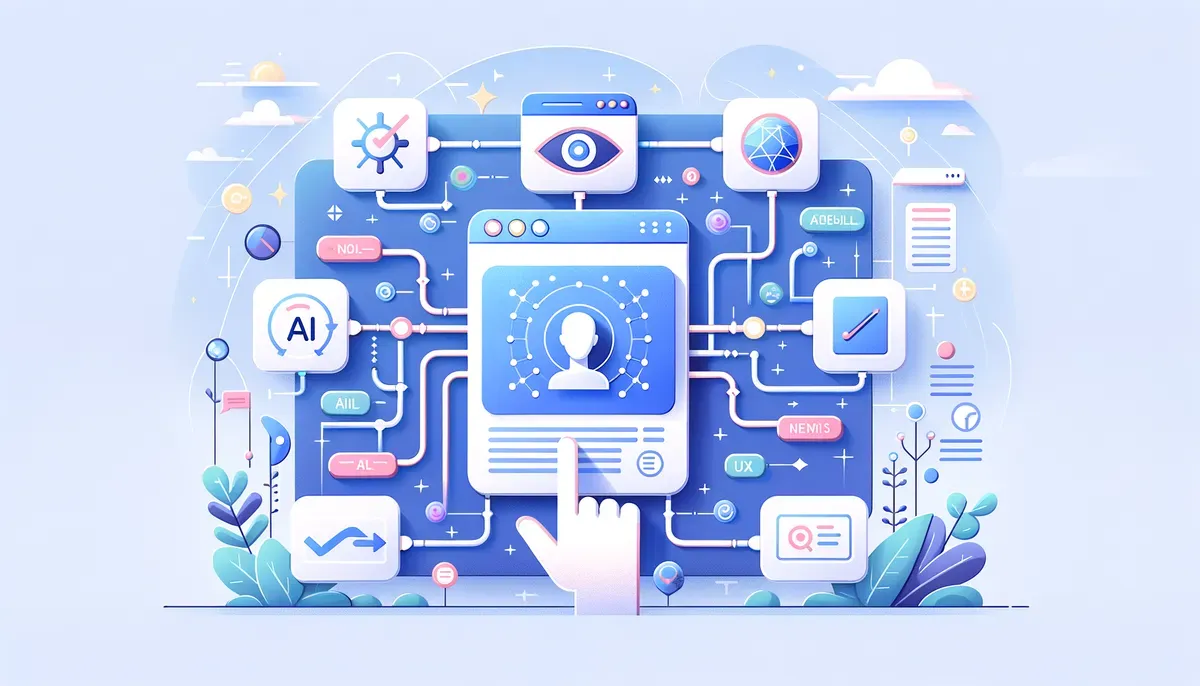
Google has recently introduced a new feature called AI Skills in Chrome, designed to enhance user productivity by allowing the saving and reuse of AI prompts across various websites. This addition builds on the existing integration of Gemini's AI capabilities within the browser, providing businesses and professionals with a powerful tool to streamline their workflows. With this feature, users can effectively manage their AI interactions, simplifying tasks such as content creation, data analysis, and customer engagement.
Benefits of Using AI Skills in Chrome
The incorporation of Google AI Skills in Chrome brings several significant benefits:
- Enhanced Productivity: By saving AI prompts, users can quickly access frequently used commands, reducing the time spent re-entering prompts across different platforms.
- Consistency: A uniform approach to AI interactions can improve the quality and reliability of outcomes, particularly for tasks like marketing copy or customer support responses.
- Flexibility: Users can adapt AI prompts according to their specific needs, allowing for a tailored approach to various workflows across different websites.
For professionals in fields such as digital marketing or web development, these benefits translate into considerable time savings and improved efficiency. Users can devote their attention to higher-value tasks while the AI takes care of repetitive actions.
How to Save AI Prompts in Chrome
To maximize the utility of Google AI Skills, knowing how to save AI prompts is essential. Here’s a straightforward guide:
- Access Chrome Settings: Start by navigating to the settings menu in your Google Chrome browser.
- Locate AI Skills Feature: Find the section dedicated to AI Skills, which is integrated into your browser settings.
- Save Prompts: After you begin using AI prompts, you’ll have the option to save them directly within the Skills feature. Simply click the save button for any prompt you wish to retain.
- Organize Saved Prompts: You can categorize and label your saved prompts for easier retrieval later, which is especially useful for businesses managing multiple projects or campaigns.
This easy-to-follow process enables users to create a personal library of AI interactions, streamlining their workflow and boosting productivity.
Integrating Gemini AI with Chrome
The integration of Gemini AI within Chrome is a significant advantage for users aiming to enhance their productivity. Gemini offers advanced AI capabilities that facilitate more sophisticated interactions and outcomes. Here’s how to utilize this integration effectively:
- Improved Task Automation: Gemini can automate tasks such as data entry, content generation, or customer inquiries, significantly decreasing the manual workload.
- Contextual Responses: The AI’s ability to understand context enables it to provide tailored responses based on previous interactions, enhancing the user experience.
- Cross-Platform Functionality: Users can leverage Gemini’s capabilities across different websites, simplifying the maintenance of workflows without switching between tools.
Integrating Gemini AI with Chrome not only enhances the overall functionality of AI Skills but also opens new avenues for productivity improvements across various business operations.
Streamlining AI Workflows Across Websites
With the ability to reuse AI prompts across websites, Google AI Skills transform how businesses manage their workflows. This feature allows users to apply the same AI interactions regardless of the platform. Here are some practical applications:
- Digital Marketing Campaigns: Marketers can save prompts for ad copy generation, analytics queries, and social media post creation, enabling consistency and speed across different campaigns.
- Content Management: Content creators can reuse prompts for brainstorming ideas or generating outlines, making the content creation process more efficient.
- Customer Support: Support teams can save responses to common inquiries, ensuring quick and consistent service across various customer interactions.
By streamlining AI workflows, businesses can save time and enhance the quality of their outputs, leading to improved customer satisfaction and engagement.
Incorporating Google AI Skills for Chrome into your workflow can significantly enhance productivity and efficiency. By saving and reusing AI prompts, integrating Gemini AI features, and streamlining workflows across websites, businesses can better leverage artificial intelligence to optimize their operations.
For professionals looking to adopt AI productivity tools, Google AI Skills presents a compelling solution that stands out in a competitive market. Whether you’re a digital marketer, web developer, or productivity enthusiast, this tool can offer tangible benefits, making it a valuable investment for your business.
To get started, explore the AI Skills feature in Chrome today and discover how it can transform your daily operations.
Why This Matters
This development signals a broader shift in the AI industry that could reshape how businesses and consumers interact with technology. Stay informed to understand how these changes might affect your work or interests.