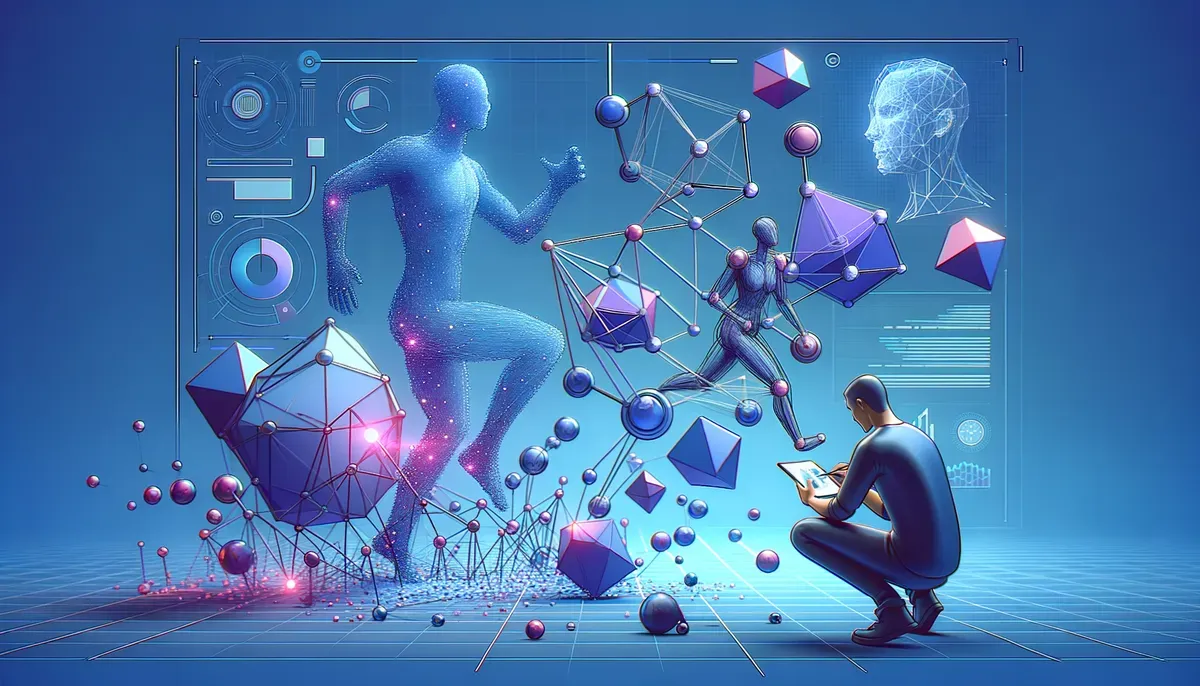
Introduction to Markerless 3D Kinematics

In the realm of biomechanics and motion analysis, capturing and analyzing human movement without physical markers is revolutionary. Markerless 3D kinematics empowers researchers and professionals to study motion dynamics in a non-intrusive manner, which enhances both accuracy and efficiency. Tools like Pose2Sim, RTMPose, and OpenSim provide robust solutions for this purpose. This guide will walk you through how to use Pose2Sim for markerless 3D kinematics, covering setup, calibration techniques, and practical applications.
Setting Up Pose2Sim in Colab
Getting started with Pose2Sim is simple, especially with Google Colab, a cloud-based Jupyter notebook environment. Here’s how to set it up seamlessly:
- Open Google Colab: Begin by navigating to the Google Colab interface.
- Clone the Repository: Use the command
!git clone [repository-url]to clone the Pose2Sim repository, which contains all necessary scripts and files. - Install Dependencies: Execute the following command to install the required libraries:
``python !pip install -r requirements.txt ``
- Upload Sample Data: You will need sample video data for analysis. Use the Colab file upload feature to import your data.
This setup allows you to harness Colab's powerful computational resources while utilizing Pose2Sim’s functionalities.
Step-by-Step Guide for Pose2Sim
With Pose2Sim set up in Colab, follow these steps to conduct your first markerless kinematics analysis:
- Data Preprocessing: Load your video data and preprocess it to extract relevant frames and sequences. This step is crucial for accurate pose estimation.
- Run Pose Estimation: Leverage RTMPose to estimate 3D poses from the extracted frames, translating 2D video data into a 3D model.
- Kinematics Analysis: With the estimated poses, apply kinematic principles using OpenSim. This involves defining the kinematic model and running simulations to analyze movement dynamics.
- Visualize Results: Finally, visualize the output using OpenSim's graphical interface, which aids in understanding the motion patterns and biomechanics involved.
This step-by-step guide provides a clear pathway to effectively engage with Pose2Sim and grasp the kinematic pipeline processes.
Calibration Techniques for Markerless Kinematics
Calibration plays a vital role in ensuring the accuracy of your motion analysis. Here are effective techniques to enhance markerless kinematics:
- Camera Calibration: Utilize multiple camera views to calibrate perspective, aiding in accurately reconstructing the 3D model.
- Reference Points: Establish reference points or landmarks in the environment to assist in spatial positioning.
- Validation Routines: Implement validation routines to compare predicted kinematics with known standards or previous studies. This helps fine-tune the model and improve accuracy.
By applying these calibration techniques, you can significantly enhance the reliability of your markerless kinematics results.
3D Pose Estimation with RTMPose
RTMPose is an essential component of the Pose2Sim pipeline, responsible for transforming 2D video data into a coherent 3D format. Here’s a brief overview of its capabilities:
- Real-Time Processing: RTMPose facilitates real-time 3D pose estimation, making it ideal for dynamic environments.
- Accuracy and Precision: The tool has demonstrated improved accuracy in motion capture compared to traditional marker-based systems.
- Flexibility: It can work with various input formats, making it versatile for different types of studies.
Using RTMPose alongside Pose2Sim enables comprehensive analysis and detailed insights into human movement.
Practical Applications of Markerless Kinematics
The applications for markerless kinematics are extensive and can benefit various sectors. Here are a few notable examples:
- Sports Science: Analyze athletes' movements to optimize performance and prevent injuries through detailed biomechanical assessments.
- Rehabilitation: Monitor patient recovery by assessing movement patterns during physical therapy, providing data-driven insights for tailored rehabilitation programs.
- Animation and Gaming: Utilize kinematic data to create more realistic animations in games and films, enhancing user experience.
These applications illustrate how markerless kinematics can serve as a valuable asset in both research and industry settings.
Why This Matters
Mastering AI-powered workflows gives you a competitive edge in today's fast-paced environment. These insights can help you work smarter, not harder.