Introduction to Markerless 3D Kinematics
Markerless 3D kinematics marks a remarkable step forward in motion capture technology, allowing researchers and professionals to analyze human movement without the burden of physical markers. This innovative approach is especially advantageous in fields like biomechanics, sports science, and rehabilitation, where traditional methods often prove cumbersome and intrusive. By utilizing tools such as Pose2Sim, RTMPose, and OpenSim, organizations can streamline their motion analysis workflows, leading to more efficient data collection and analysis.
If you're curious about how to use Pose2Sim for markerless kinematics, this tutorial will guide you through the process. We’ll cover everything from setting up a Colab environment to step-by-step techniques for calibration and pose estimation, ensuring you gain a solid understanding of the kinematic pipeline.
Setting Up Colab for Pose2Sim
To get started, you'll need to set up Google Colab, a cloud-based platform ideal for running Python code. This setup is particularly beneficial if you lack local computational resources. Here’s a quick overview of the initial steps:
- Create a Google Account: If you don’t already have one, create a Google account to access Google Colab.
- Open Google Colab: Navigate to Google Colab and create a new notebook.
- Install Dependencies: Use pip commands to install the necessary libraries like Pose2Sim and RTMPose. For example:
``python !pip install pose2sim !pip install rtmpose ``
By setting up Colab for Pose2Sim, you establish a solid foundation for effective 3D human kinematics analysis without the hassle of local installations.
Step-by-Step Guide for Pose2Sim
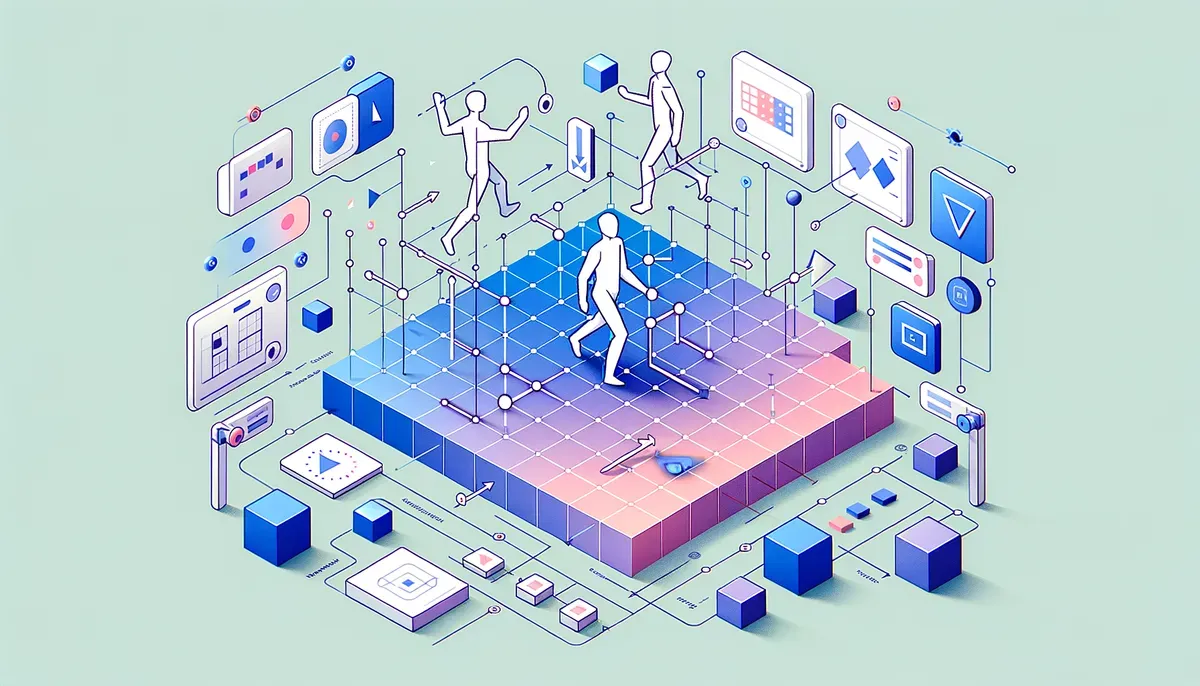
With your Colab environment ready, it’s time to dive into the Pose2Sim pipeline. The following steps outline the process clearly:
- Import Libraries: Begin by importing all the necessary libraries for Pose2Sim and RTMPose.
- Load Data: Prepare your video or image data for motion analysis. This could be recordings of human movement captured in a natural setting.
- Pose Estimation: Leverage RTMPose to perform 3D pose estimation. This step involves processing the input data to detect and track human body joints.
- Kinematic Analysis: After obtaining the pose data, use Pose2Sim to simulate kinematic movements and visualize the results.
- Output Results: Finally, analyze the output to derive insights into movement patterns or biomechanical parameters.
This structured approach ensures comprehensive analysis, making it suitable for data scientists and machine learning engineers eager to leverage markerless kinematics.
Calibration Techniques for Markerless Kinematics
Calibration is essential for ensuring the accuracy of your kinematic analysis. Here are some techniques to keep in mind:
- Camera Calibration: Optimize your camera settings to capture clear images or videos. Utilize intrinsic and extrinsic parameters to enhance accuracy.
- Reference Points: Establish fixed reference points in your capture environment to help validate movement data.
- Validation Against Known Data: Compare your results with established benchmarks in biomechanics to verify the accuracy of your kinematic outputs.
Implementing these calibration techniques will bolster the reliability of your markerless kinematic analysis, leading to more trustworthy insights.
3D Pose Estimation with RTMPose
RTMPose plays a vital role in executing 3D pose estimation, which is central to markerless kinematics. The benefits of using RTMPose include:
- Real-Time Processing: RTMPose provides near-instantaneous pose estimation, making it suitable for live analysis.
- High Accuracy: It employs advanced machine learning algorithms to ensure precise tracking of body movements.
- Flexibility: RTMPose can accommodate various input formats, catering to different data collection methods.
By mastering 3D pose estimation with RTMPose, users can gain deeper insights into human movement dynamics.
Overview of Kinematic Pipeline Processes
Grasping the overall kinematic pipeline is crucial for anyone looking to utilize Pose2Sim effectively. The key processes include:
- Data Collection: Gather movement data through video recordings or motion sensors.
- Pose Estimation: Transform the raw data into usable pose data using RTMPose.
- Simulation: Use Pose2Sim to simulate kinematic movements and visualize results.
- Analysis: Evaluate the kinematic data to draw meaningful conclusions about movement patterns.
This pipeline not only streamlines the analysis process but also enhances your ability to derive actionable insights from human motion data.
Why This Matters
Mastering AI-powered workflows gives you a competitive edge in today's fast-paced environment. These insights can help you work smarter, not harder.