
Introduction to Microsoft AI Agents
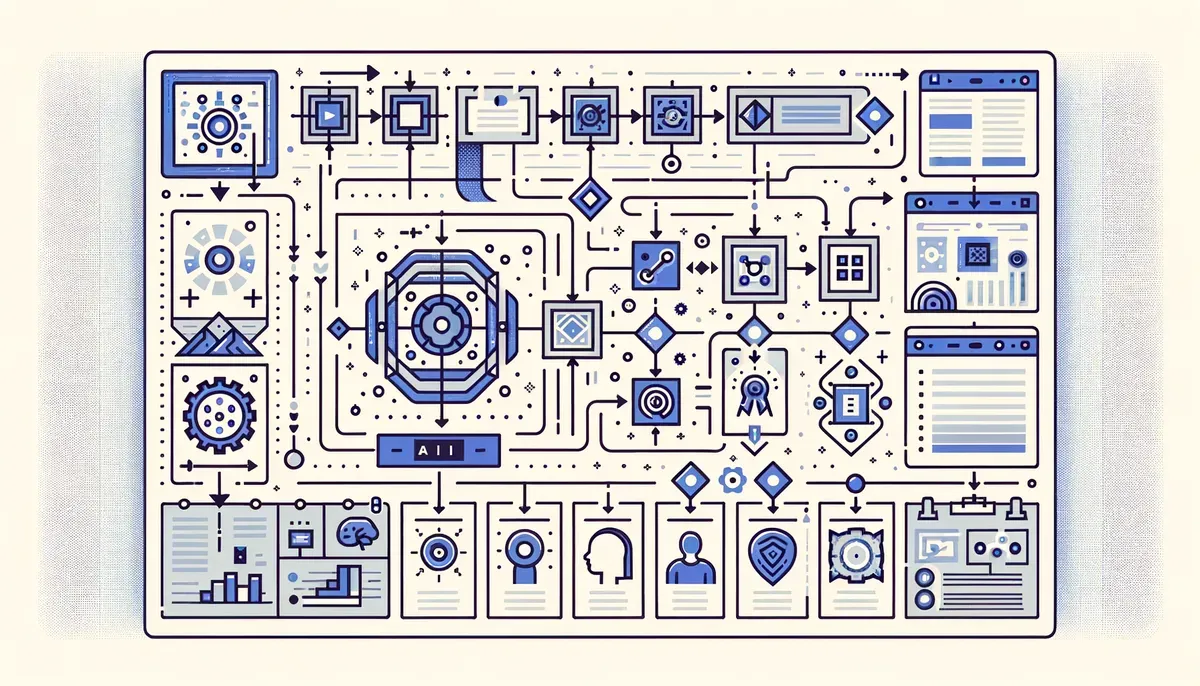
As businesses strive to enhance productivity and streamline operations, AI agents have become essential tools for automating routine tasks. Microsoft, a leader in enterprise software, is at the forefront of this innovation, developing new AI agents that promise to revolutionize workflow management. Following the launch of Cowork and Copilot Tasks, Microsoft is now working on another agent reminiscent of the OpenClaw-like agent. This article compares these innovative AI solutions and examines their potential impact on business processes.
Comparison of Cowork vs Copilot Tasks
To effectively evaluate Microsoft’s AI offerings, it’s important to understand the distinctions between Cowork and Copilot Tasks. While both tools aim to enhance task management, they serve different needs within a business environment.
| Feature | Cowork | Copilot Tasks |
|---|---|---|
| Task Management | Collaborative task management | Individual task automation |
| Integration | Seamless integration with Microsoft 365 | Integrates with various apps and tools |
| User Interface | User-friendly dashboard for teams | Simple interface for personal tasks |
| AI Capabilities | AI suggests tasks based on team activity | AI automates repetitive tasks |
| Pricing | Part of Microsoft 365 subscription | Also included in Microsoft 365 |
Cowork is tailored for teams, enabling collaborative project management and task allocation. It utilizes AI to analyze team activity and suggest relevant tasks, enhancing overall workflow. In contrast, Copilot Tasks emphasizes the individual user experience by automating repetitive tasks and integrating seamlessly with various applications. This makes it particularly suitable for professionals keen on boosting their personal productivity.
Potential Applications of the New AI Agent
Microsoft's upcoming AI agent is expected to expand upon the capabilities of its predecessors. Although specific features remain undisclosed, potential applications may include:
- Automating Routine Tasks: The new agent could manage scheduling, reminders, and data entry, allowing employees to concentrate on higher-value work.
- Enhanced Collaboration: By analyzing team dynamics, the new agent may improve communication and task distribution among team members.
- Data Insights: Utilizing machine learning, the AI agent could generate actionable insights based on data trends within the organization.
These applications could significantly improve productivity, particularly in environments where effective task management and collaboration are essential.
Impact on Business Workflows
The introduction of Microsoft’s AI agents is set to transform business workflows. Here are several ways these tools can lead to greater efficiency:
- Streamlined Processes: Automating mundane tasks enables employees to focus on strategic initiatives, resulting in enhanced output and innovation.
- Reduced Errors: Automation minimizes the risk of human error in routine tasks, ensuring smoother operations.
- Increased Flexibility: AI agents can adapt to evolving business needs, allowing organizations to pivot quickly in response to market demands.
As businesses aim to optimize their operations, integrating AI tools like those from Microsoft becomes increasingly vital.
Best Practices for Using AI Agents
To maximize the effectiveness of Microsoft’s AI agents, businesses should consider these best practices:
- Identify Key Use Cases: Determine which tasks are ripe for automation, focusing on repetitive and time-consuming processes.
- Train Employees: Provide training on how to effectively use these tools. Familiarity with AI capabilities will enhance user adoption.
- Monitor and Adapt: Regularly evaluate the performance of AI agents and adjust settings to align with organizational goals.
- Encourage Feedback: Actively solicit feedback from users to identify areas for improvement and additional features that may be beneficial.
Implementing these practices will help organizations fully leverage the capabilities of Microsoft’s AI agents.
Future of Microsoft AI Agents
As Microsoft continues to innovate, the future of its AI agents looks bright. The development of the new OpenClaw-like agent underscores the company’s dedication to enhancing productivity tools for businesses. With ongoing advancements in AI technology, we can anticipate even more sophisticated features that address the evolving needs of organizations.
Recommendation
Evaluate your business's specific needs to determine which Microsoft AI agent is the best fit. Consider trialing both Cowork and Copilot Tasks to see how they can enhance your team’s productivity. As Microsoft continues to innovate, staying informed about new AI agents will be crucial for maintaining a competitive edge.
Why This Matters
This development signals a broader shift in the AI industry that could reshape how businesses and consumers interact with technology. Stay informed to understand how these changes might affect your work or interests.